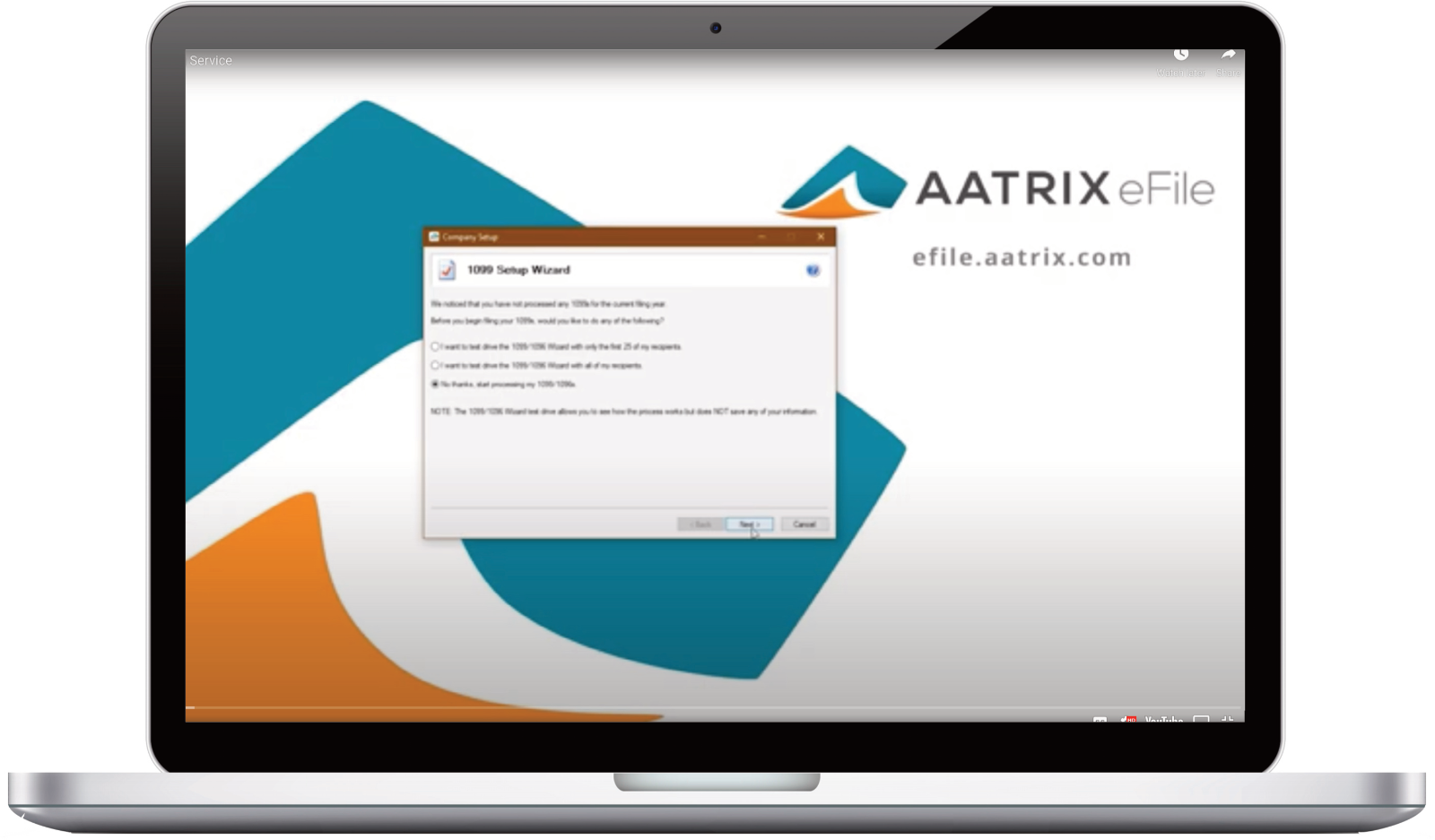
How to link your Payroll Items in Coins so the data will pass into the Preparer.
Save Time and Money
with Coins
How much time could you save by completing federal and state tax reports directly from your accounting software? Now you can with Federal and State Tax Forms (Aatrix). Aatrix produces more than 330+ tax forms, including state and federal quarterly tax forms, W-2s, 1099s, or ACAs, and much more, all conveniently from within your Coins Software.
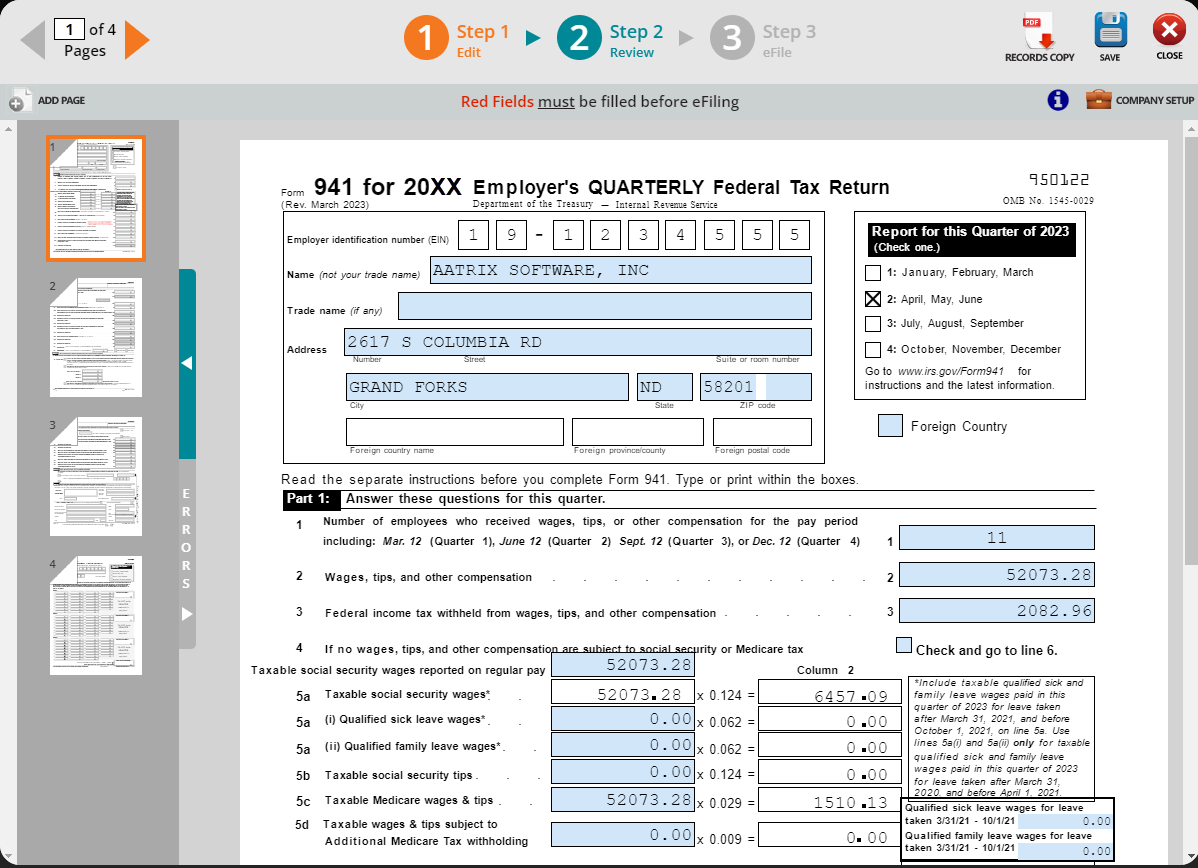
The interface is simple to understand and easy to use because it is an exact replica of the government form you receive in the mail, with one BIG exception. It is already filled out! It makes quarterly and annual reporting a snap. The reports are populated and can be reviewed or edited on screen. Once you've verified the information, you can eFile using the Aatrix® eFile Center.
eFiling
Aatrix's Single-Point™ eFile Center facilitates eFiling over 330 state and federal reports in one central site for processing. After reviewing the form in your Coins Software, simply select "eFile" and the information is sent directly to the Aatrix Payroll eFile Center. You'll receive confirmation that the file was received via email. The form is processed and sent to the appropriate agency securely. Going paperless has never been easier!
Complete W‐2, 1099 or ACA eFile Service simplifies filing and saves you money!
- File your State and Federal Forms and mail the employee copies directly to them in a fraction of the time it has taken in the past.
- Aatrix Payroll eFile Center has added the ability to deliver your employee or recipient forms via a secured website for instant access.
- No more reprinting lost or bad address W-2s/1099s/ACAs. Simply provide your employee or ex-employee their login information and they print their own W-2s, 1099s or ACAs.
- W-2s, 1099s and ACAs can be accessed from anywhere, anytime.
- You can now accomplish this task quickly, accurately, for an amazingly low price.
W-2, 1099 & ACA (1095) | User Interface
- Select the "Payroll" followed by clicking on "Administration" then "Aatrix Integration" and finally select "Generate Aatrix Tax Files" from the menu.

941 | User Interface
- Select the "Payroll" followed by clicking on "Administration" then "Aatrix Integration" and finally select "Generate Aatrix Tax Files" from the menu.

Just Ask Our Customers
Here’s what satisfied Aatrix® customers are saying about the convenience of automatic state and federal form processing and eFiling!
“Using Aatrix® saved me time, money, and was LESS STRESSFUL. Took back the forms, envelopes, and did not use the stamps and had a lot of money left over.”
- Weeks Farms Partners
“This software made my W‐2 preparation SO EASY! I could print everything as many times as I needed and the steps were so easy to follow.”
- Community Action Commission of Belmont County
Filing Instructions