
W2 Instructions
| STEP-BY-STEP INSTRUCTIONS |
1. Select the W-2 Form. |
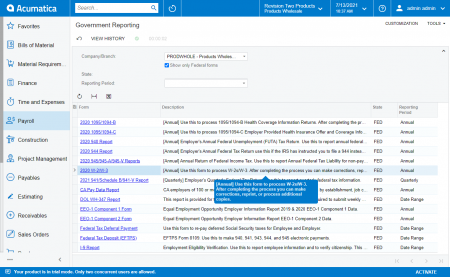
Under the payroll module, select "Tax Reporting" and then click "Federal Taxes". This will bring up a forms selection window, select "W-2/W-3" and click the "OK" button. |
2. Review Company Information. |
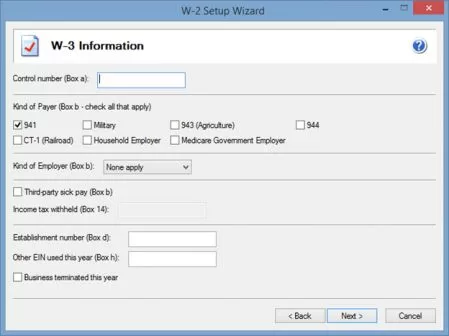
A company setup wizard will take you through your company information that will display on the W-2/W-3 forms. All information will be populated directly from Acumatica. |
3. Review Employee Information. |
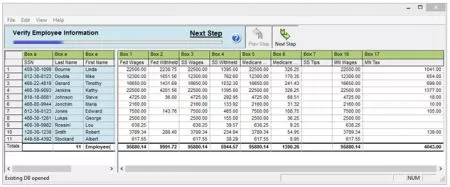
The wizard will take you into a grid displaying all of your employee data to review. Several data validations are performed during this step to ensure the accuracy of your employee data and help eliminate rejections. |
4. Select Your Filing Options. |
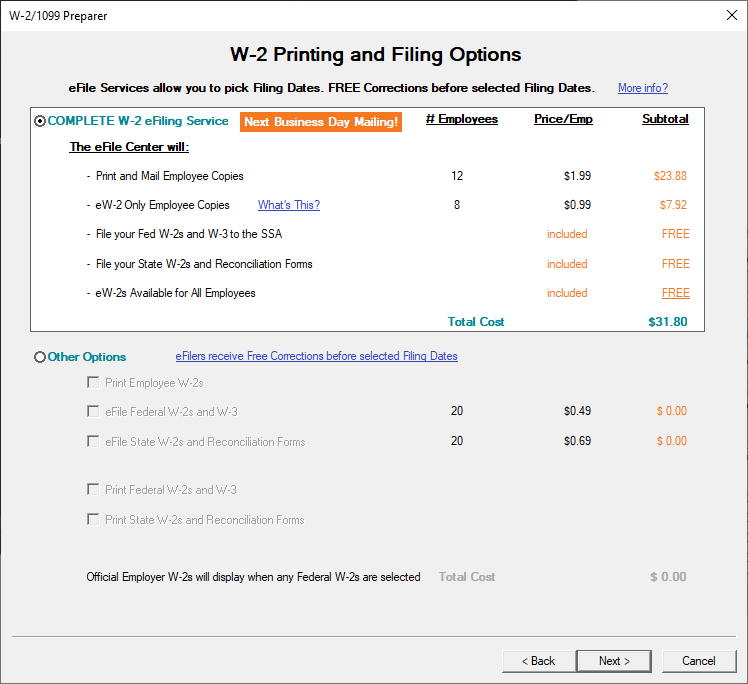
The complete eFile package is the best value, but you can also eFile only your Federal W2s & W3 and/or State W-2s & Reconciliation (if applicable). |
5. Review Your Forms. |
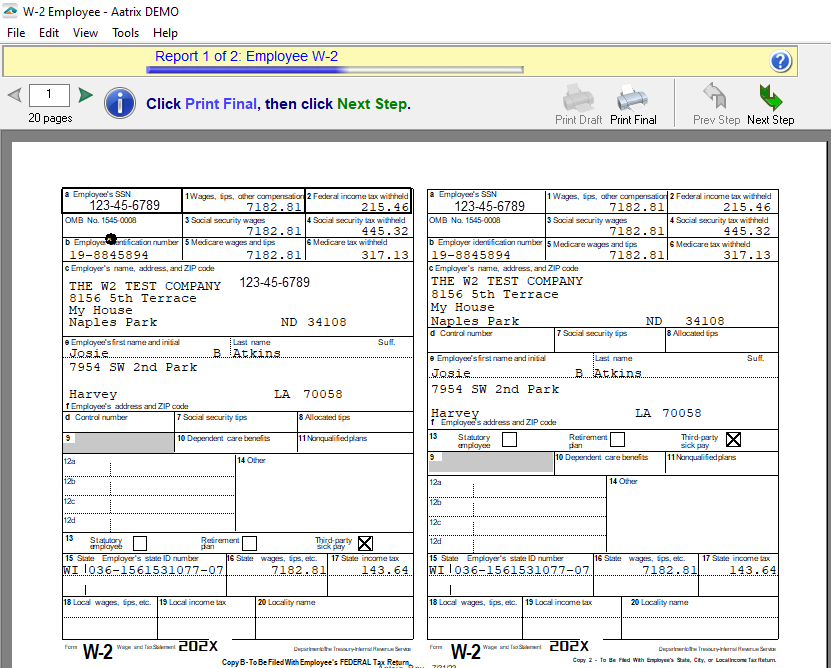
A Form Viewer will display your forms for review. You can print a record copy when eFiling. |
6. Submit Your Forms. |
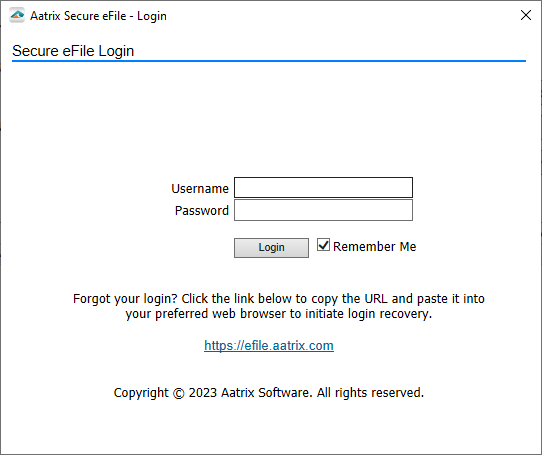
An eFile wizard will guide you through submitting your forms to the eFile Center. Enrollment to the eFile center is required to obtain a username and password, click here to enroll now or you can enroll at time of eFiling. |